Film the approved script, not a remembered version of it.
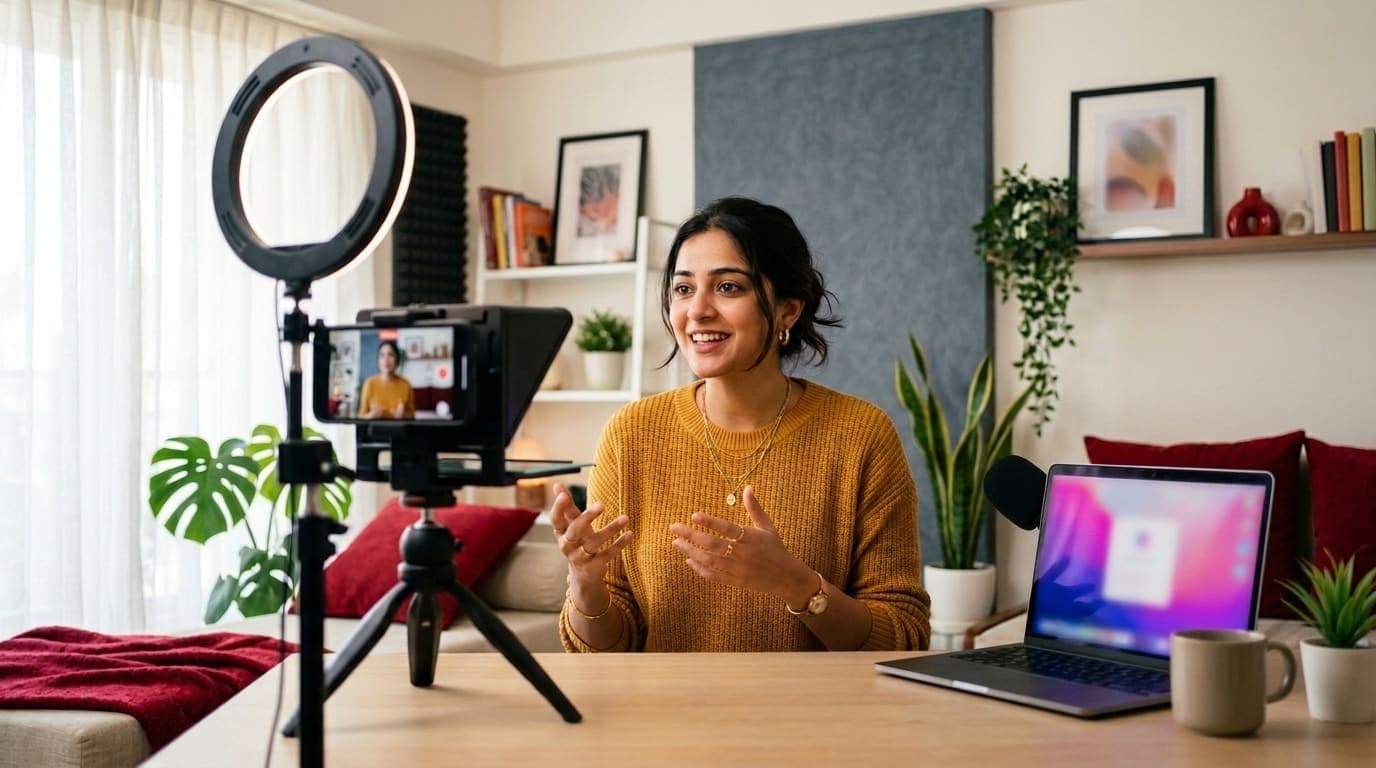
Open any script in the teleprompter. Your phone shows the words in the camera rig, and your laptop controls the speed, the position and the pauses, so the person on camera only has to talk.
The problem
The script was approved, then the take was improvised because reading off a laptop looks wrong on camera.
What changes
Laptop controls, phone displays
Scan a QR code to pair a phone, then control the scroll from your laptop while you film.
Straight from the script
The prompter opens the script from the workspace, so what is filmed is the text your team wrote and your client reviewed, not a copy pasted into another app.
How it works
From setup to done in four steps.
- 1Open the scriptPick any script in the workspace and open it in the teleprompter from the script page.
- 2Pair the phoneScan the QR code with the phone in your rig. The prompter opens in its browser, with nothing to install.
- 3Set it upAdjust the text size, turn on mirroring if you film through prompter glass, and choose a starting speed.
- 4FilmControl the speed, position and pauses from the laptop while the person on camera simply reads and talks.
What's included
- Phone paired by QR code or link
- Remote speed and position control
- Adjustable text size
- Mirroring for prompter glass
- Works with any script in the workspace
Who it helps
How different teams use Teleprompter.
For agencies
Film client spokespeople who are not used to the camera, reading the exact script their own team reviewed.
For in-house teams
Record founder updates and product explainers in fewer takes, without printing the script or balancing a second screen.
For creators
Run the scroll yourself from the laptop, or hand control to whoever is standing behind the camera.
Questions about Teleprompter
No. The phone opens the prompter in its browser after scanning the pairing code.
Yes. Turn on mirroring and the text reads correctly through prompter glass.
Every feature on during the trial
Put next month's content in front of your client this week.
Start a 7-day free trial with every feature switched on. No card needed, and nothing converts to a paid plan unless you choose one.
- 7-day free trial
- No credit card
- Does not auto-convert
- Cancel anytime